Learn with MakeCode
Sequences, loops, conditions and events—introduced through practical Minecraft challenges.

Turn Minecraft into a practical introduction to coding. In our live Minecraft Education lessons, children aged 7–12 learn block-based programming, sequencing, loops, conditions and problem solving by building projects inside a world they already love.
Lessons are guided by experienced tutors and adapted to each child’s level. Students experiment, debug their own ideas and build the confidence to explain how their code works.
Students use Microsoft MakeCode inside Minecraft Education to practise sequences, loops, conditions, coordinates and events. Every concept is applied in a build, so children see immediately what their code changes.
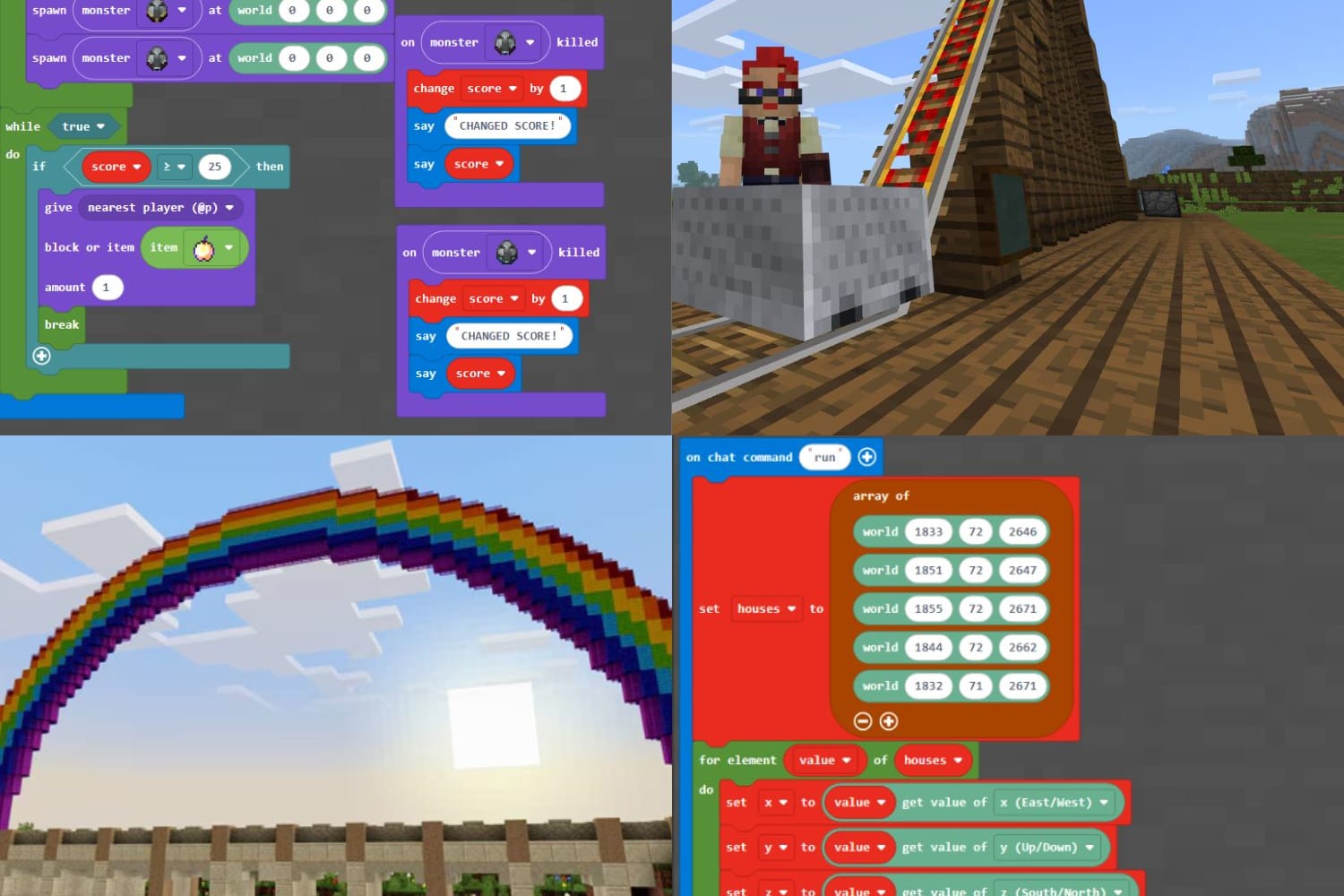
Children plan challenges, test solutions and learn to fix mistakes step by step. Projects may include automated farms, interactive structures, mini-games and agent-based building tasks.
Minecraft builds strong foundations before students move into written code with Roblox and, later, original game development in Godot. Tutors recommend the next step when each child is ready.
UK +44 7700 158784 | US +1 (866) 6122934
124 City Road, London, England, EC1V 2NX
Children learn coding by building inside Minecraft. With live tutor support, they use MakeCode to automate, experiment, debug and bring ideas to life.
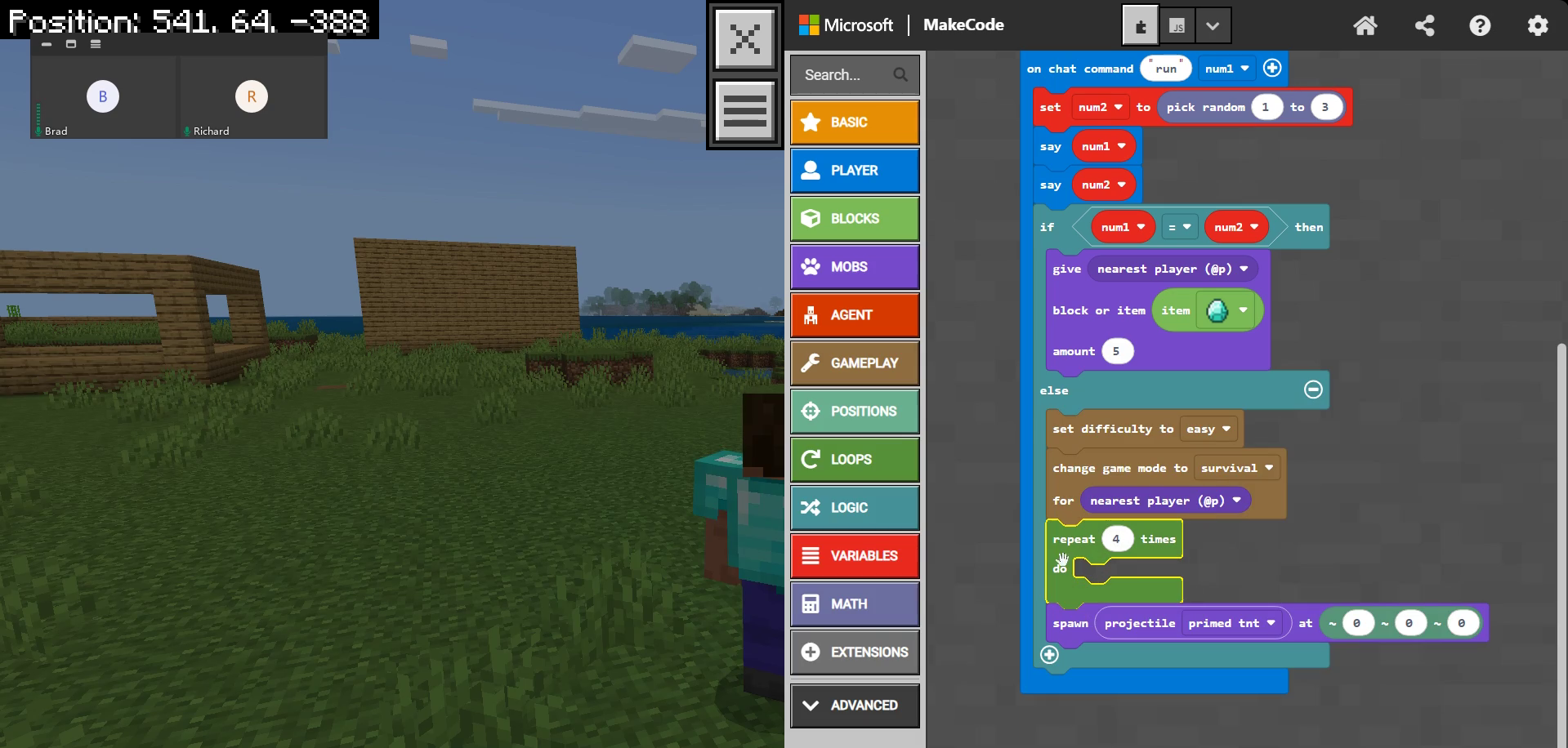
Sequences, loops, conditions and events—introduced through practical Minecraft challenges.
Use the Agent, coordinates and code to build structures and useful systems.
Plan ideas, debug mistakes and grow the confidence to solve unfamiliar problems.
Meet a tutor, build something practical and find the right starting point for your child.
No! Lessons can start from complete beginner level and adapt as confidence grows. Early sessions focus on quick wins so new learners feel capable from the start.
A suitable device (tablet, laptop, computer), internet connection and Minecraft Education. We help you check the setup before starting. If you are unsure whether your device is suitable, we can confirm before the trial.
Book a free trial lesson to see if we're a good fit, and then go from there! The trial gives your child a relaxed chance to meet their tutor and try a real coding activity.