Computational thinking
Break larger ideas into clear instructions, patterns and reusable systems.

Turn a love of Roblox into real programming skills. In our live Roblox coding lessons, children aged 9–16+ use Roblox Studio and Luau to design, script and test games they can actually play.
Students learn with an experienced tutor, work at an appropriate pace and build projects that develop creativity, logical thinking and confidence with written code.
Students connect ideas such as sequences, conditions and loops to real Luau scripts. Tutors explain each concept clearly so children understand the logic rather than simply copying code.
Children learn variables, functions, events, properties and object relationships while navigating Roblox Studio. They use these tools to create obstacles, score systems, interactive objects and game mechanics.
Students plan, build, test and debug their own games. As confidence grows, they make design decisions independently and learn how multiple scripts and systems work together.
UK +44 7700 158784 | US +1 (866) 6122934
124 City Road, London, England, EC1V 2NX
Roblox is more than a game. It is a complete game-development platform where children can combine written code, 3D design and creative problem-solving to produce something genuinely playable.
Instead of completing disconnected exercises, students see exactly how their code changes the world around them. A script can open a door, award points, create a hazard or respond to a player.
Visible feedback keeps abstract programming concepts practical, memorable and motivating.
Break larger ideas into clear instructions, patterns and reusable systems.
Plan environments, player journeys, challenges and interactive experiences.
Find mistakes, read errors and improve a project one decision at a time.
Roblox uses Luau, a language derived from Lua. Its syntax is approachable for beginners, while still being powerful enough to control complete game systems, player behaviour and interactive worlds.
That balance helps young learners begin quickly without limiting what they can eventually create.
With guided support, many beginners can create a simple playable project within their first few hours. The wider course goal is to turn those early experiments into a complete original game.
For children who want to understand how their favourite Roblox experiences are designed and scripted.
No previous coding experience is required. Lessons start with clear challenges and build confidence gradually.
For students ready to improve their scripting, create deeper systems and work toward original games.
Students learn core computer-science principles through practical game-development projects.
Navigate Studio, manipulate parts, use properties and construct playable 3D environments.
Store scores, player information and other values that change during a game.
Make objects respond when players click, touch, join or complete an action.
Create decisions, repeat behaviour and build systems that react intelligently.
Develop checkpoints, hazards, collectables, leaderboards, rewards and interactive objects.
Read errors, identify problems and improve a game through structured playtesting.
The goal is not simply to finish isolated coding exercises. Students gradually combine what they learn into a complete project they can play, explain and continue developing.
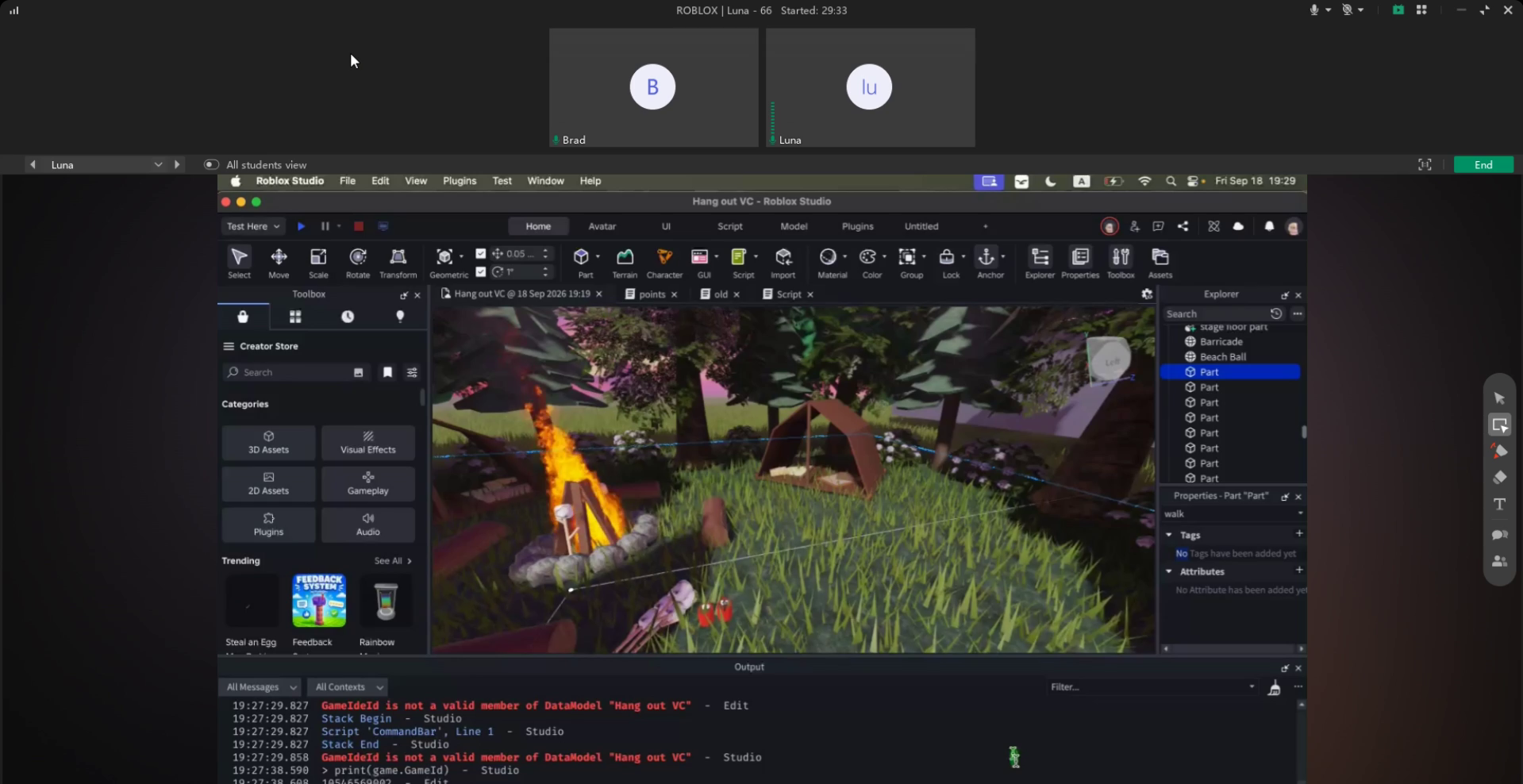 Student project
Students make design decisions, solve technical problems and experience the satisfaction of turning an idea into a working game.
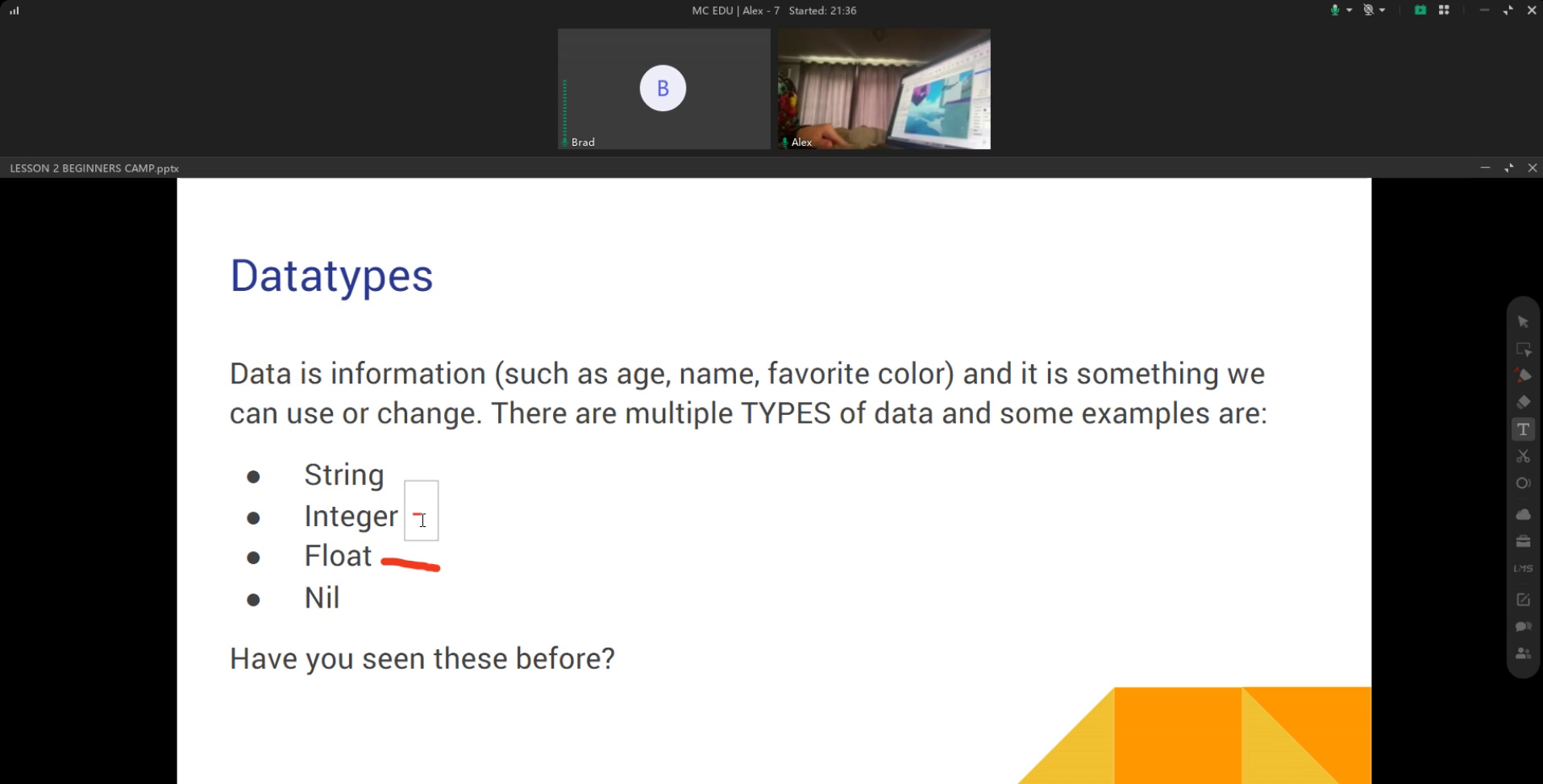
The tutor introduces one clear programming or game-design idea.
Your child applies the concept immediately inside Roblox Studio.
They debug the result, explain their thinking and add it to a larger project.
No. Complete beginners are welcome, and the starting point is adapted to each student’s confidence and experience.
No. Students work in Roblox Studio as creators. They plan, write code, build environments, test systems and solve technical problems.
Roblox uses Luau, a language derived from Lua. Parents often search for “Roblox Lua coding,” but Luau is the accurate name of the language used in Roblox Studio.
A suitable laptop or desktop computer, a reliable internet connection and Roblox Studio. We help families check the setup before lessons begin.
Students begin with small interactive scripts and practical challenges. Many beginners can create a simple playable project in their first few hours before progressing toward a larger original game.
Book a free trial lesson so your child can meet a tutor, build something practical and discover the right Roblox coding pathway.